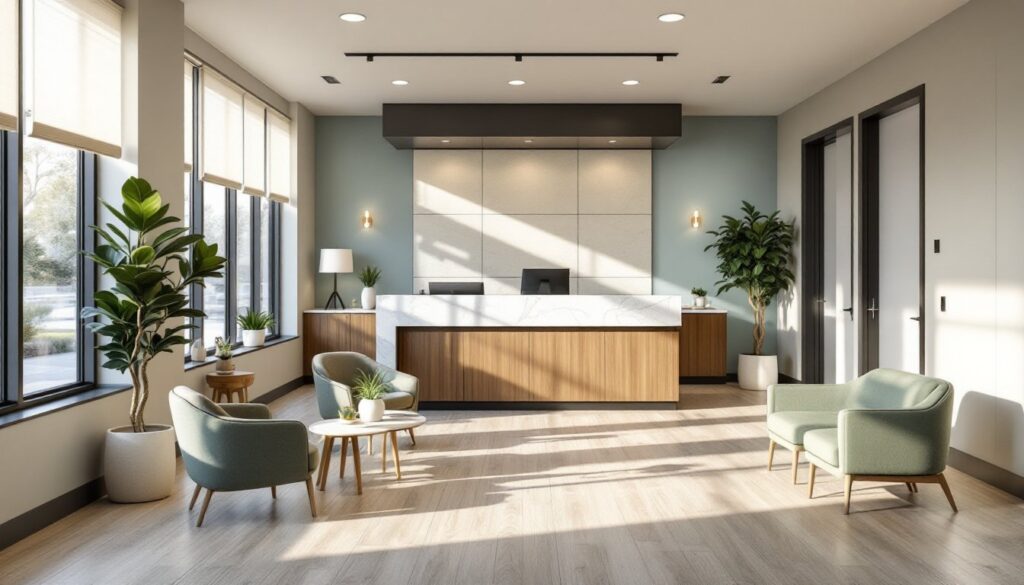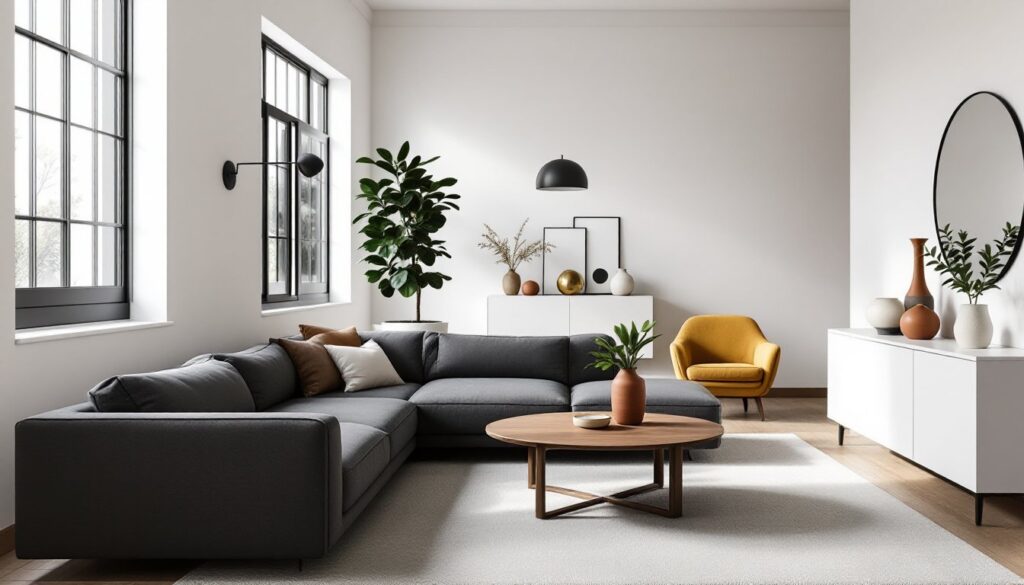
Interior design has evolved beyond selecting paint swatches and throw pillows. In 2026, homeowners tackling DIY renovations or full-scale remodels have access to a powerful toolkit: interior design assistants. Whether powered by artificial intelligence or backed by a human professional working remotely, these services bridge the gap between Pinterest inspiration boards and actual, buildable plans. They help translate vague aesthetic goals into concrete material lists, room layouts, and purchasing decisions, without the sticker shock of hiring a traditional full-service designer. For anyone juggling a home improvement project while trying to maintain their sanity (and budget), understanding how interior design assistants work is the first step toward a space that actually functions as well as it looks.
Table of Contents
ToggleKey Takeaways
- An interior design assistant bridges the gap between inspiration and execution, offering scaled-down expertise at $30–$75 per hour for human consultants or $10–$50 monthly for AI platforms—far less than the 10–30% cost of traditional full-service designers.
- AI-powered design assistants excel at visualizing cosmetic changes and generating multiple layout options quickly, but human interior design assistants provide essential context for structural projects, code compliance, and real-world installation challenges.
- Accurate measurements, honest skill assessment, realistic budgets, and multi-angle photos are critical inputs that help assistants avoid costly mistakes like ordering furniture that won’t fit or choosing finishes beyond your abilities.
- Interior design assistants clarify the difference between cosmetic updates (paint, fixtures) and structural changes (load-bearing walls, plumbing relocation) that require permits and licensed professionals.
- Combining AI for initial inspiration with a one-hour human consultation can catch errors, refine material choices, and ensure building code compliance without the expense of full-service design management.
What Is an Interior Design Assistant and How Can It Help You?
An interior design assistant is essentially a scaled-down version of a full-service interior designer, offering guidance without the hefty retainer or long-term commitment. Think of it as hiring a knowledgeable consultant for specific phases of your project rather than end-to-end management.
Human assistants typically work remotely on a freelance or hourly basis. They’ll review your floor plans, suggest furniture layouts that respect traffic flow and door swing clearances, recommend finishes that match your skill level (yes, Venetian plaster looks amazing, but do you really want to trowel 400 square feet?), and create shopping lists with specific product dimensions. They won’t show up to supervise your contractor or handle permit applications, but they will save you from ordering a sectional that won’t fit through your stairwell.
AI-powered design assistants use algorithms trained on thousands of room layouts, color palettes, and design principles. You upload photos or measurements, answer questions about your style preferences and functional needs, and the software generates mood boards, 3D renderings, or product recommendations. Some platforms integrate with retailers, letting you click through to purchase suggested items directly. The best interior design rendering tools can visualize changes before you commit to demolition.
Both types help DIYers avoid expensive mistakes, like choosing tile that requires a wet saw and perfect spacing when you’ve only ever laid peel-and-stick vinyl, or selecting a paint color that looks like a spa in the store but reads as dental office under your home’s LED lighting. They clarify the difference between cosmetic updates (new cabinet hardware, paint, lighting fixtures) and structural changes (removing a load-bearing wall, relocating plumbing) that need permits and licensed pros.
Top Benefits of Using an Interior Design Assistant for Your Home
The biggest advantage is cost efficiency. A traditional interior designer might charge 10-30% of your total project budget or $100-$200 per hour. An assistant, human or AI, typically runs $30-$75 per hour for human consultations or $10-$50 per month for subscription-based AI platforms. You’re paying for expertise only when you need it, not for someone to hold your hand through every paint swatch decision.
Second, you get access to trade knowledge without attending design school. Assistants explain why 2×4 studs are actually 1.5″ × 3.5″ (nominal vs. actual dimensions matter when planning built-ins), which primers seal tannin bleed from wood paneling, or why luxury vinyl plank needs 48-hour acclimation in the installation room before you click it together. Many professionals working in interior design jobs offer freelance consulting on the side, bringing real-world experience to your project.
Third, they accelerate decision-making. Instead of spending three weekends scrolling through conflicting advice on forums, you get a curated shortlist of backsplash tiles that work with your countertop, suit your skill level (subway tile with spacers vs. intricate herringbone), and fall within your per-square-foot budget. According to MyDomaine, having a clear design direction reduces project timelines by preventing the analysis paralysis that stalls most DIY renovations.
Fourth, design assistants help maintain stylistic cohesion. They’ll point out when your farmhouse sink clashes with your mid-century modern cabinetry or when your lighting choices create uneven lumens across a kitchen workspace (the IRC recommends at least 50 lumens per square foot in task areas). Incorporating texture in interior design requires balancing materials, something assistants excel at.
Finally, they’re educational. You’re not just getting a shopping list: you’re learning why certain choices work. That knowledge carries over to future projects, making you a more competent DIYer in the long run.
AI-Powered vs. Human Interior Design Assistants: Which One Do You Need?
AI assistants excel at pattern recognition and rapid iteration. Upload a photo of your living room, specify “Scandinavian minimalist,” and the software generates furniture arrangements, color palettes, and product links in minutes. Tools like these work well for:
- Visualizing cosmetic changes (paint, furniture swaps, decor)
- Generating multiple layout options quickly
- Tight budgets ($10-$50/month beats hourly consulting fees)
- Projects with clear style references (“I want this Pinterest board, but make it work in my actual 12×14 bedroom”)
Limitations? AI can’t assess your space in person, so it might suggest a floor-to-ceiling bookshelf without knowing your ceiling height is only 7’6″ or that your “wall” is actually a non-load-bearing partition you plan to remove. It won’t catch code violations, like placing an outlet-dependent design element more than 6 feet from an existing receptacle (NEC spacing requirements). And it struggles with nuance, an algorithm doesn’t know that your south-facing windows flood the room with harsh afternoon light, making that trendy dark accent wall a cave by 4 PM.
Human assistants bring context, problem-solving, and real-world installation experience. They ask follow-up questions AI doesn’t think to pose: “Is that exterior wall insulated? Because if you’re adding built-in seating, you’ll want to account for thermal bridging.” They’ll notice your subfloor is OSB, not plywood, and recommend appropriate underlayment for your luxury vinyl plank to prevent telegraphing. Many have vendor relationships and can recommend local suppliers or flag products with known durability issues.
Human assistants shine when:
- Your project involves structural considerations (removing walls, adding windows, relocating utilities)
- You need material guidance for hands-on installation (which adhesive, which fastener spacing, which blade for your miter saw)
- You’re working with quirks like non-square rooms, old-house settling, or historic preservation restrictions
- You want feedback on your own ideas rather than just receiving generated options
Some DIYers split the difference: use AI for initial inspiration and layout concepts, then hire a human consultant for a one-hour review to catch errors and refine material choices. Websites like Elle Decor showcase high-end projects that often start with professional interior design proposals, though scaled-down versions are accessible for residential DIYers.
How to Choose the Right Interior Design Assistant for Your Project
Selecting an assistant depends on matching the service type to your project’s scope, your skill level, and how much hand-holding you need. Break your decision into two key evaluations.
Practical Tips for Working With an Interior Design Assistant
Preparation is everything. Before your first consultation, human or AI, gather the following:
- Accurate measurements. Not “about 10 feet”, actual dimensions to the nearest 1/8″. Measure wall lengths, ceiling heights, door and window placements, and any obstructions (radiators, electrical panels, ductwork).
- Photos from multiple angles. Include corners, adjacent rooms, and any existing finishes you’re keeping. Natural daylight photos show true colors better than evening shots under warm LED bulbs.
- Your skill inventory. Be honest. If you’ve never used a miter saw, say so. If you’ve tiled a backsplash before, mention it. Assistants tailor recommendations to your abilities.
- Budget range. Give real numbers, not aspirational ones. “I have $3,000 for this bathroom, and $800 is already earmarked for a new vanity” is actionable. “I want it to look expensive but not cost much” is not.
When working with a human assistant, ask questions in writing and keep a shared document (Google Docs, Notion, etc.) tracking decisions, product links, and measurements. This prevents “wait, which grout did we decide on?” confusion three weeks later. Request material lists with specific product names, not just “subway tile”, specify size (3×6″ vs. 4×6″), finish (glossy vs. matte), and even manufacturer SKUs if possible.
If using AI platforms, cross-reference recommendations. An algorithm might suggest a peel-and-stick backsplash that looks great but isn’t rated for heat exposure behind a range (check product specs for heat tolerance, 120°F minimum for kitchen applications). Use the AI output as a starting point, then verify installation requirements and building code compliance separately.
Safety and permits come first. No assistant, human or AI, can override local building codes. If your project involves electrical work (adding outlets, moving light fixtures), plumbing (relocating sinks, adding a wet bar), or structural changes (removing walls, cutting into joists for recessed lighting), verify permit requirements with your local building department before starting. Most jurisdictions require licensed electricians and plumbers for anything beyond simple fixture swaps, even if a design assistant sketches it out beautifully.
Finally, manage your expectations. An assistant provides guidance, not guarantees. They can’t predict that your landlord’s “freshly painted” walls are actually covering nicotine stains that’ll bleed through two coats of paint without a stain-blocking primer. They can’t foresee that your salvaged wood beams harbor powder post beetles. They design: you execute and adapt.
For more Interior Design resources and project inspiration, review case studies of similar projects to see how others navigated comparable challenges. Learn from both successes and documented failures, the latter are often more instructive.